
Salesforce Update
-
Flow

The Ultimate Guide to Salesforce Flow in Winter ’27
In automation circles, the question always comes up: Does Salesforce do a good job with improving the Flow product? Or are the resources working on Agentforce instead of now legacy products like the Flow Builder? I will leave the answer to you. Please make your own assessment after you go through all the improvements that are coming in Winter ’27.…
Read More » -
Flow

Unanimous Flow Approvals – No More Workarounds
The updates to Flow Approvals in Summer '26 are significant architectural improvements. Salesforce is eliminating the need for complex, manual workarounds that have historically cluttered our orgs. These changes move us closer to a "no-code/low-code" enterprise reality where automation is both compliant and powerful. For admins who have spent years duct-taping approval logic together, this release is a genuine exhale.…
Read More » -
Flow

Visual Comparison and Beyond – Flow Versions Just Got Easier
The ability to visually compare flow versions is exactly the kind of quality-of-life win that Flownatics have been asking for. No more tab-switching, no more XML spelunking, no more hoping you remember what you changed three weeks ago.
Read More » -
Flow

Open a Page Action: Redirect Users After a Screen Flow
For years, Salesforce administrators and developers building Screen Flows have run into a familiar, frustrating wall: the post-flow navigation gap. Picture this scenario: Your user opens a flow on an Account record. They carefully fill out a series of screens to log an issue or create a related record, clicks “Finish,” and then… nothing. They are left sitting exactly where…
Read More » -
Flow

Choices, Choices: What Are Radio Button Groups Best Used For
Salesforce's Summer '26 release is packing some serious automation upgrades. Whether you are managing multi-stakeholder approvals, scaling orchestration across your org, or building complex integrations without code, the platform is steadily removing friction points for admins. Among the most anticipated and highly visible improvements are the user interface enhancements coming to Screen Flows. If you have ever built a screen…
Read More » -
Admin

Summer ’26: What the New Accessibility Release Updates Mean for Your Org
Accessibility has long been on Salesforce's roadmap, but Summer '26 marks the beginning of something more structured: a rolling set of release updates specifically targeting WCAG 2.2 Resize and Reflow compliance. If you support users who rely on browser zoom, work with assistive technology, or simply use a high-DPI display at elevated magnification, these updates matter. Here's what's changing, when…
Read More » -
Flow

Master Custom Batch Sizes for Schedule-Triggered Flows
The arrival of custom batch sizes in Summer ’26 is a testament to Salesforce listening to the community’s "real world" pain points. While it might seem like a small setting in the Flow Builder, it is a massive architectural lever for those of us responsible for high-volume data integrity. No longer are we forced to "hack" our way around governor…
Read More » -
Admin
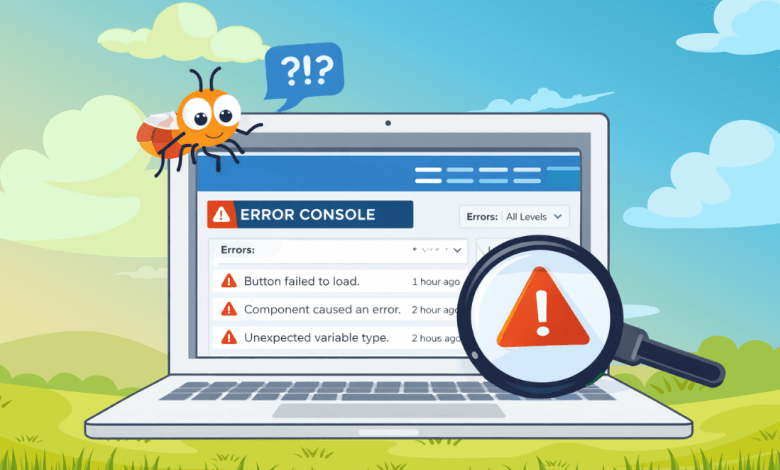
Identify and Manage Page Errors with the New Error Console in Spring ’26
If you’ve spent time administering or building in Salesforce, you know this reality well: not all errors are dramatic. Some errors don’t crash the page, throw a red banner, or get reported. They just quietly break things. A button doesn’t work the way it should. A component fails to load correctly. A user gets a weird experience but keeps moving.…
Read More » -
Flow

Top Spring ’26 Salesforce Flow Features
What are the new features about? Spring 26 brings new screen, usability and platform enhancement features. Let’s dive into the details. Top Screen Flow Spring 26 Features It seems like most of the new features involve screen flows. I will not go into further detail, but this release introduces yet another file upload component for screen flows: LWR File Upload…
Read More »