
Admin
-

Salesforce AI Guardrails: An Admin’s Guide to Permissions, FLS, & Agentforce
By establishing clear permission set structures, relying on native FLS inheritance, and implementing human-in-the-loop validation for autonomous agents, admins can confidently deliver cutting-edge AI features while keeping their org secure and compliant.
Read More » -
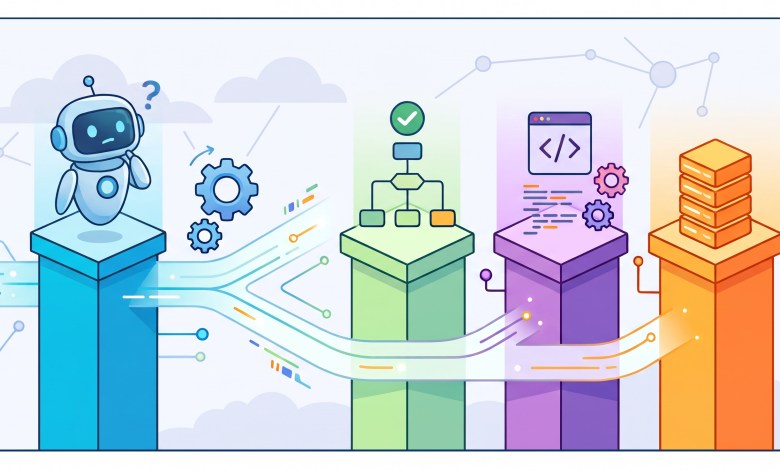
Architectural Decisions in the AI Era: Flow, Apex, and Agentforce
Architects have too many topics on their mind nowadays: Flow, Apex, APIs and AI agents (Agentforce). How should they decide what part of the logic goes where? That is the problem. Flow can handle processes that would have required Apex years ago. Developers can combine declarative and programmatic automation instead of treating them as competing camps. APIs connect Salesforce to…
Read More » -

Accounts and Contacts in Salesforce: The Foundation Every Admin Needs to Get Right
Picture a rep heading into a customer meeting. Before they walk in, they need answers. Who works at this company? What have we sold them? Who else on our team knows them? In Salesforce, accounts and contacts hold those answers. These two objects sit at the center of almost every org. Opportunities, cases, and activities all connect back to them.…
Read More » -
AIforce: Salesforce’s New AI Interface Layer for Slack, Claude, and Lightning
Slackforce, Claudeforce, and Agentforce Coworker aren't three separate launches. They're three expressions of the same shift. Salesforce's context, permissions, and business logic no longer stop at the edge of its own UI. Slackforce puts that context into shared, live team surfaces. Claudeforce puts it into a reasoning layer built for individual sellers. Agentforce Coworker keeps it running natively where millions…
Read More » -

Dreamforce 2026: One Message You Missed Is The Real Game Changer
Marc Benioff opened Dreamforce 2026 on September 15 with a packed keynote hall: 10,000 people in the room and 10 million more watching on Salesforce+. Salesforce counted 53,000 total attendees at Moscone Center this year, spread across more than 1,600 sessions. Here's what admins and practitioners need to know from the opening keynote.
Read More » -

Salesforce Timezone Offset: A Native Flow Alternative to Apex
Every system time field in Salesforce is stored in GMT. That part is simple. What complicates things is everything layered on top of it. An org has its own timezone setting. A user can have a different timezone than the org. Salesforce uses both settings to decide how timestamps display on records and transactions. Installed packages carry their own time…
Read More » -

SOQL Basics for Salesforce Admins
If you have spent any amount of time in the Salesforce ecosystem as an admin, you know this exact routine: A stakeholder asks for a dataset. You build a custom report type, drag and drop fields, apply filters, and hit Export. Then, because Salesforce reports cannot easily pull data across non-related branches or cross-reference two unconnected objects, you open Excel…
Read More » -

Salesforce Rebuilds Licensing Tiers and Adds Agentforce
Before you assume any tier covers your team's needs, map the feature list against what you actually use. A "Max" upgrade sounds like an easy yes, especially at unchanged pricing, but the value only lands if your org uses the tools that got added. We'd also treat Salesforce's value percentages as vendor claims rather than settled fact. They're useful directional…
Read More » -
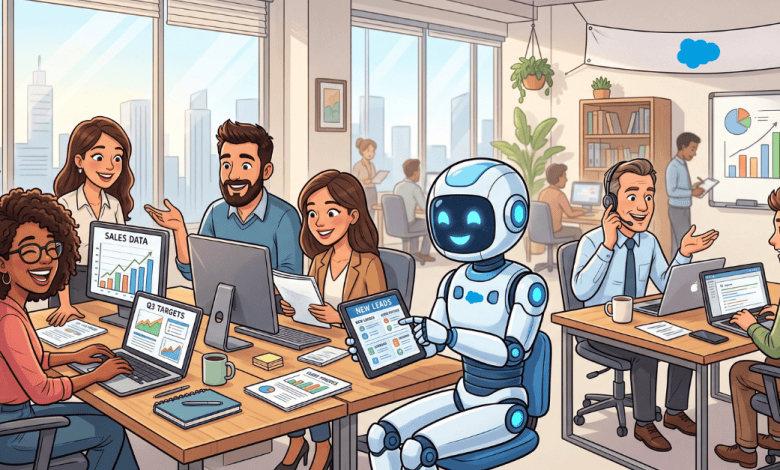
Claudeforce Explained: Salesforce and Anthropic’s New AI-CRM Partnership
Salesforce and Anthropic announced Claudeforce on August 26, 2026, during Salesforce's Q2 FY27 earnings call. Claudeforce is an expanded strategic partnership. It brings Claude's reasoning together with Salesforce's data, workflows, business logic, and governance, all accessible from inside Claude itself. With so many people leaning on AI and LLMs to get through the workday, Salesforce saw an opening. Sellers were…
Read More » -

8 Dreamforce 2026 Sessions for Every Admin’s Agenda
Dreamforce is Salesforce's flagship annual conference, bringing together tens of thousands of admins, developers, architects, and business leaders for keynotes, breakout sessions, and hands-on training. This year's event runs September 15-18 in San Francisco, and centers on new product announcements and where the platform is headed, with Agentforce and AI taking center stage. The session catalog is already packed with…
Read More »