
-
Artificial Intelligence

Building Agentic RAG: Connecting Data Cloud to Agentforce Studio (Part 2)
In Part 1 of this series, we set up the data foundation in Data Cloud by configuring a web content crawler, establishing the Data Lake Object (DLO) and Data Model Object (DMO). We vectorized our external web data into searchable chunks. If you need to go back and start from the beginning, go read Part 1 here. Now, in Part…
Read More » -
Artificial Intelligence

Building Agentic RAG: Setting Up Web Crawlers in Data Cloud (Part 1)
AI agents are only as accurate as the data backing them. In fast-moving sectors like aviation, route rosters, schedule changes, and service suspensions update constantly. If your agent relies on outdated knowledge, it risks giving incorrect information and losing customers. Keeping your agent grounded in real-time, accurate data is essential for maintaining trust and reliability. In this guide, you will…
Read More » -
Flow

Collection Filter Criteria Resource in Salesforce Flow
In Salesforce release previews, we often see updates that make an admin’s day-to-day life easier, and then we see features that have the potential to completely transform how we build our automations. The Collection Filter Criteria Resource falls into the latter category. While discussed alongside Winter ’27 preview highlights, this feature represents a big shift in how collection manipulation is…
Read More » -
Admin

Salesforce Winter ‘27 Admin Highlights: Security and UX
When release season arrives, big headline features grab the attention. If you manage access, sharing, and page layouts, the smaller platform updates often matter more. Winter ‘27 delivers several of them. Here are the admin features we think deserve a spot in your sandbox this week. Security and Sharing Field History Tracking for the User Object (GA) User Field History…
Read More » -
Admin

Salesforce AI Guardrails: An Admin’s Guide to Permissions, FLS, & Agentforce
By establishing clear permission set structures, relying on native FLS inheritance, and implementing human-in-the-loop validation for autonomous agents, admins can confidently deliver cutting-edge AI features while keeping their org secure and compliant.
Read More » -
Flow
Keep Business Logic Outside Your Flow
As Salesforce Admins and Developers, we’ve all been there: a business user walks up to your desk or submits a high-priority ticket asking to update the owner for a specific sales territory. Next week, they need to add five new ZIP codes to another rep’s region. A month later, two territories merge, and a new account executive takes over the…
Read More » -
Artificial Intelligence
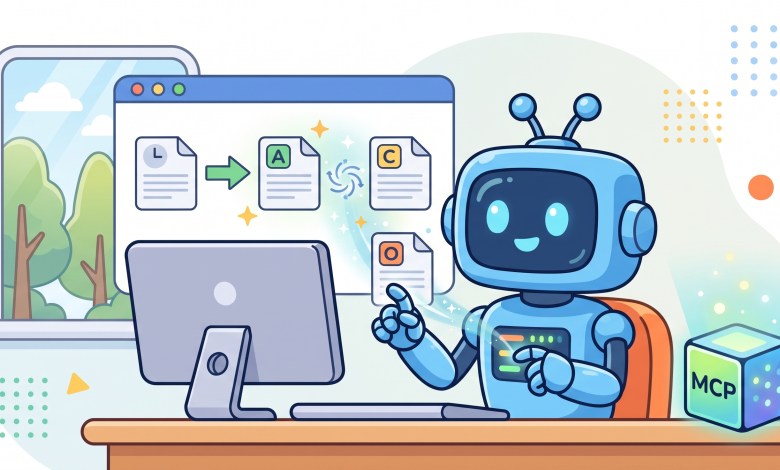
How to Convert a Lead Using Salesforce MCP
Recently, Salesforce has been making big strides in AI automation and integration including its new framework called Headless 360, which allows AI agents and agentic workflows to access and do user-authorized changes on Salesforce orgs. Users can prompt their agents to create, update and delete records, run Flows and Apex processes and so much more. With the core paradigm of…
Read More » -
Flow

Stop Treating Flow Like Apex: 5 Mistakes New Developers Make
Salesforce Flow has evolved from a simple admin tool into a powerful low-code engine. Today, it handles complex business logic, record-triggered orchestration, and custom UI flows with impressive speed. However, as more traditional Apex developers transition into building low-code solutions, a recurring pattern emerges: developers treat Flow like Apex with a graphical interface. While fundamental software engineering concepts like variable scope,…
Read More » -
Admin
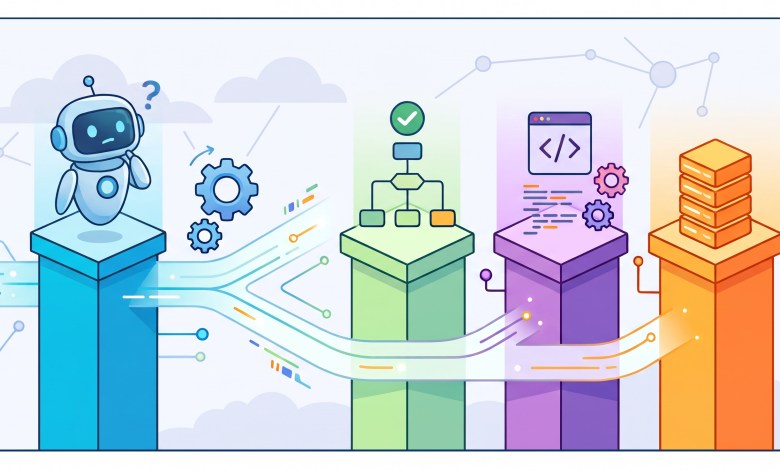
Architectural Decisions in the AI Era: Flow, Apex, and Agentforce
Architects have too many topics on their mind nowadays: Flow, Apex, APIs and AI agents (Agentforce). How should they decide what part of the logic goes where? That is the problem. Flow can handle processes that would have required Apex years ago. Developers can combine declarative and programmatic automation instead of treating them as competing camps. APIs connect Salesforce to…
Read More » -
Admin

Accounts and Contacts in Salesforce: The Foundation Every Admin Needs to Get Right
Picture a rep heading into a customer meeting. Before they walk in, they need answers. Who works at this company? What have we sold them? Who else on our team knows them? In Salesforce, accounts and contacts hold those answers. These two objects sit at the center of almost every org. Opportunities, cases, and activities all connect back to them.…
Read More »