
Slack Code: AI Coding Agents Have Entered the Team Chat
Inside Slack's Update for Building With AI Agents

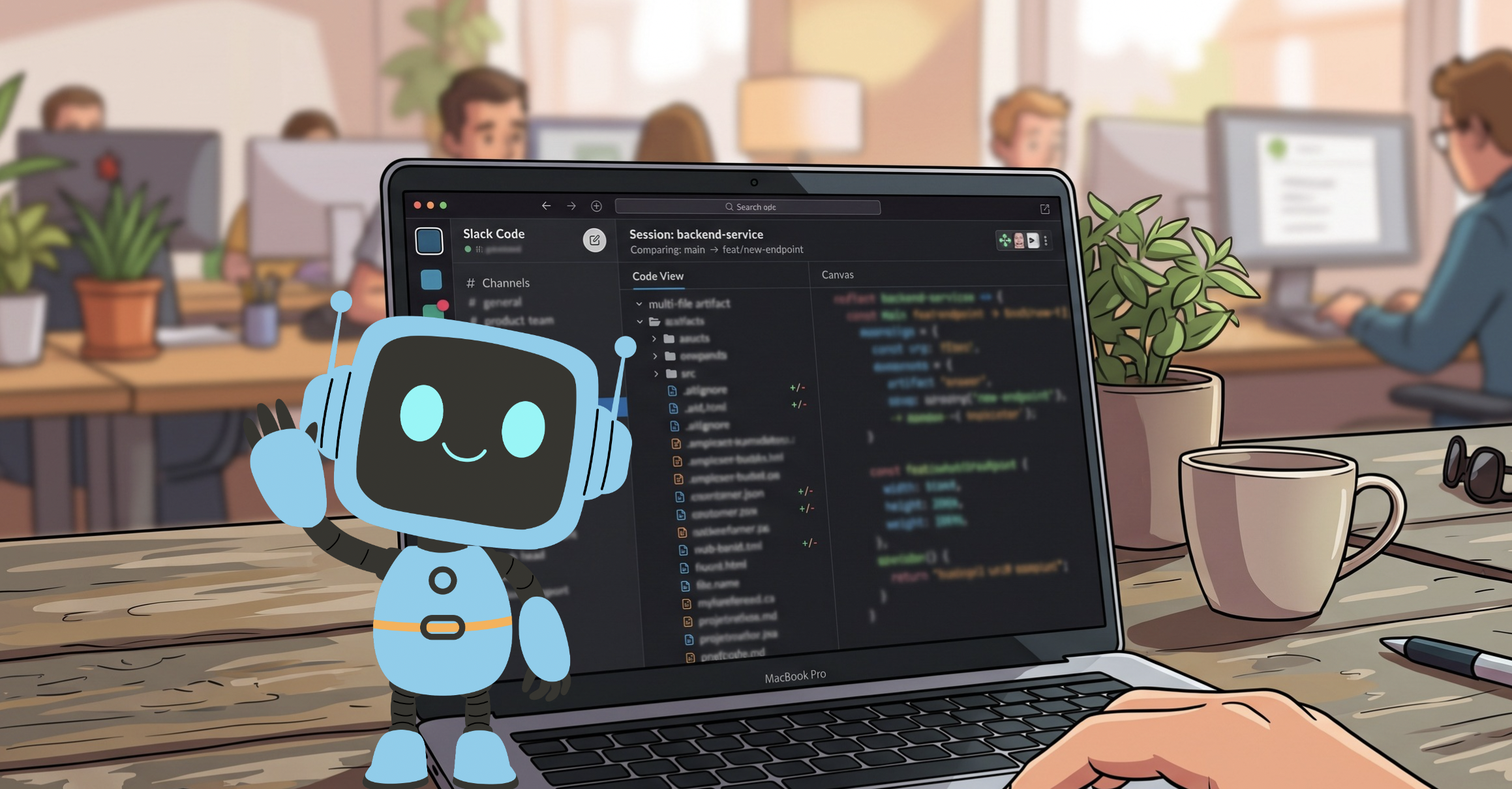
Coding agents have made writing software faster than ever. Claude Code, Claude Tag, Devin, GitHub Copilot, ChatGPT, and Vercel’s agents can turn an idea into working code in minutes. But speed alone doesn’t fix the bigger problem: most of that work still happens in a private tab, disconnected from the team.

Slack has now addressed that gap directly. Slack Code puts coding agents inside Slack itself, so the work doesn’t disappear until it’s “done.” It happens where your team already talks, plans, and decides.
What a Code Channel Actually Is
Slack Code introduces a new kind of space called a code channel. Instead of a general thread that collects everything, each code channel maps to a single project or task.

You don’t create one manually. Tag a coding agent, like Claude Tag or ChatGPT, in any conversation, and it spins up a dedicated code channel on its own. From there, the channel organizes itself into tabs: one for the conversation, one for the agent’s plan, one for code diffs, and one for a live preview of what’s actually being built.
That last tab matters most. You’re not reading a summary after the fact. You’re watching the agent build a working prototype, page, or fix while your team follows along and reacts in real time.
How a Fix Moves Through a Code Channel
Picture a real bug: a button’s text color fails contrast checks against its background, making it nearly unreadable for some users. Someone flags it in Slack. A teammate tags in a coding agent to investigate.

The agent pulls the relevant code, reviews it, and reports back with a fix. A teammate weighs in on the color choice right in the channel. The agent updates the code, and the diff appears immediately, the old value struck through, the new one right beside it. Anyone in the channel can review it, check the preview, and approve the change before it ships.
No separate ticket or status meeting. Just a fix that the whole team watched happen, instead of one person’s work landing in their inbox after the fact.
For a closer look at Slack Code in action, watch the official launch video below. Slack VP Rob Seaman and CPO Jamie Dang walk through the announcement, then bring in partners from GitHub, Cognition, and Vercel to demo code channels with their own coding agents. The video also includes a live build: Slack’s product team creates a Halloween-themed feature from scratch inside a code channel, start to finish.
Built With Partners, Not Locked to One Agent
Slack Code launched with agents from Anthropic, Cognition, GitHub, and Vercel, with ChatGPT access rolling out as well. Each one connects through Slack’s code channel APIs, so the agent your team already relies on can plug directly into the same shared context.
Slack has said these APIs will eventually open beyond software engineering. A marketing team could run a campaign build the same way. A legal team could run a document review through the same kind of channel.
Agents Are Becoming Teammates
Slack Code is one piece of a broader change in how agents show up across the platform:
- Agent DMs now behave like a conversation with a real teammate. Agents are clearly labeled, and threads carry real titles, so you can pick a conversation back up later.
- The Agents tab gives every agent and every session one home base. You can browse active agents, check statuses, name a session, flag a stalled thread, or stop an agent mid-task.
- Add to Slack lets you bring in agents built on platforms like Lovable, n8n, Superhuman, or LangChain in a few clicks, with the OAuth and setup work done for you.
Across all of it, an agent behaves like any other member of the channel: clearly identified, subject to the same norms, and governed by the same admin controls your IT team already has in place.
Security Doesn’t Reset for Agents
Agents working inside code channels inherit Slack’s existing security model automatically. Your admin controls, permissions, and infrastructure don’t need to change to accommodate them.
For anything higher stakes, like pushing a change to production, the agent packages the work and waits for a person to sign off inside the channel. Rob Seaman, EVP and GM of Slack at Salesforce, put it this way: “AI only creates value when it’s part of how a team actually works, not something people go do alone in another tab.” Code channels are Slack’s answer to that: oversight built into the workflow instead of bolted on as a separate approval step.
Getting Started With Slack Code
Slack Code is included on every Slack plan at no added cost. What isn’t included is agent access. Anthropic’s Claude, Cognition’s Devin, GitHub Copilot, ChatGPT, and Vercel’s agents each require their own separate license or subscription.
Beyond the founding partners, the Slack Marketplace lists more than 500 AI apps and agents you can bring into your workspace. Pricing, packaging, and regional availability can change, so confirm current details with Slack directly before planning a rollout.
Coding agents already changed how individuals build. Slack Code is Slack’s bet on changing how teams build, by keeping the work visible from the first message to the final merge.
If your org already runs coding agents somewhere, Slack Code gives that work a shared home instead of a scattered one. Check it out before your next sprint planning session.
Explore related content:
How to Set Up Slack Record Alerts Using Salesforce Flows
Claudeforce Explained: Salesforce and Anthropic’s New AI-CRM Partnership
Agentforce Coworker Applied: Enterprise Intelligence at Your Fingertips

