
-
Admin

What Is Phishing-Resistant MFA?
Imagine you get a fake text message from your bank. You click the link, enter your password, and then, prompted by the fake site, you type in the 6-digit SMS code or authenticator app code that just popped up on your phone. Even though you used Multi-Factor Authentication (MFA), the hacker just stole your password and your session code in…
Read More » -
Admin

What Is Agentforce Coworker?
If you've ever lost 20 minutes digging through Salesforce records, Slack threads, and SharePoint folders trying to piece together what's going on with an account, Agentforce Coworker was built for exactly that scenario. Powered by Data 360 and currently in beta, Agentforce Coworker is Salesforce's AI-powered work assistant. It connects your Salesforce CRM, Slack, and 270+ external data sources into…
Read More » -
Artificial Intelligence

How to Deploy Agentforce Right the First Time, Straight from the Experts
Agentic AI can independently make complex decisions and take specific actions based on parameters your organization defines upfront. This means your workforce scales without requiring constant, step-by-step human oversight. Salesforce recognized the urgency around this shift and hosted a live virtual event on May 20, 2026, focused entirely on architecting for AI and the best practices organizations need to have…
Read More » -
Flow

Choices, Choices: What Are Radio Button Groups Best Used For
Salesforce's Summer '26 release is packing some serious automation upgrades. Whether you are managing multi-stakeholder approvals, scaling orchestration across your org, or building complex integrations without code, the platform is steadily removing friction points for admins. Among the most anticipated and highly visible improvements are the user interface enhancements coming to Screen Flows. If you have ever built a screen…
Read More » -
Admin
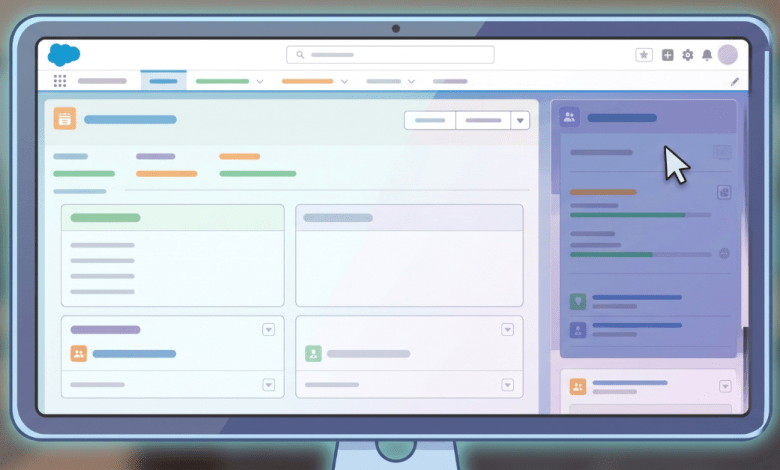
Summer ’26: What the New Accessibility Release Updates Mean for Your Org
Accessibility has long been on Salesforce's roadmap, but Summer '26 marks the beginning of something more structured: a rolling set of release updates specifically targeting WCAG 2.2 Resize and Reflow compliance. If you support users who rely on browser zoom, work with assistive technology, or simply use a high-DPI display at elevated magnification, these updates matter. Here's what's changing, when…
Read More » -
Admin

Salesforce Is Tightening Security Across Every Org
If you haven't gotten the memo yet, Salesforce is rolling out a sweeping set of platform security requirements between now and mid-July. These aren't suggestions. They're enforcement dates with real consequences: users get blocked, exports get stopped, and policies get auto-enabled. Admins who wait will be scrambling.
Read More » -
Flow
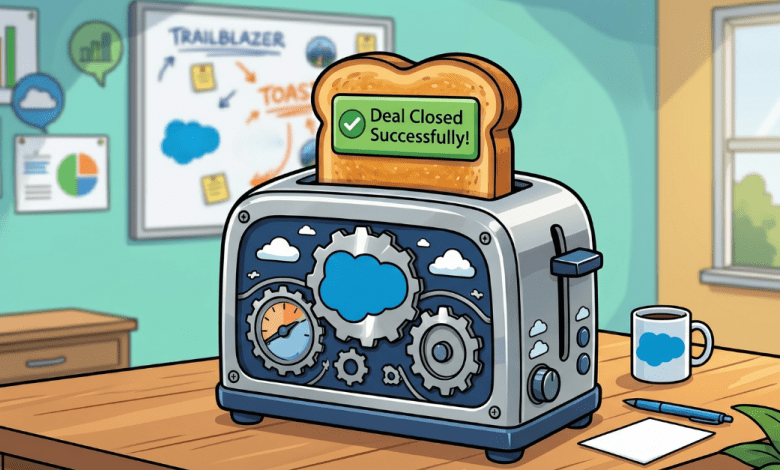
Warn and Inform with Native Toast Messages in Salesforce Flow
Just when the Salesforce community thought we had fully digested the Summer ’26 release notes, the product team decided to drop a classic "one more thing." Adam White recently announced that two new functionalities were "snuck" into the release at the last minute. For those of us who live and breathe Flow Builder, this is like finding an extra gift…
Read More » -
Admin

Field Access Summary
Salesforce Summer '26 is still in preview, but four permissions-related updates are generating conversation. Whether your focus is day-to-day access management or building toward a more mature governance model, these changes touch the infrastructure that everything else runs on. Here's what's coming and what it all does.
Read More » -
Flow

Master Custom Batch Sizes for Schedule-Triggered Flows
The arrival of custom batch sizes in Summer ’26 is a testament to Salesforce listening to the community’s "real world" pain points. While it might seem like a small setting in the Flow Builder, it is a massive architectural lever for those of us responsible for high-volume data integrity. No longer are we forced to "hack" our way around governor…
Read More » -
Admin

What’s New in the Salesforce Mobile App: Summer ’26 Release
Summer ’26 is still in preview, but the release notes are packed with updates worth knowing about, especially if you're an admin managing mobile deployments or a developer building on the platform. From smarter notifications to AI-powered transcription to cross-platform React Native support, here’s everything coming to the Salesforce mobile app this release.Summer ’26 is still in preview, but the…
Read More »