
-
Admin

Salesforce Winter ’27 Admin Highlights: Top Data, Security and UX Gems
When release season rolls around, flashy new toolsets and high-profile features often hog the spotlight. But if you spend your days managing user permissions, cleaning up record access, tweaking Lightning App Builder layouts, or keeping security auditors happy, the core platform updates are where the real magic happens. The Salesforce Winter ’27 Release introduces long-awaited quality-of-life enhancements across data governance,…
Read More » -
Admin

Salesforce AI Guardrails: An Admin’s Guide to Permissions, FLS, & Agentforce
By establishing clear permission set structures, relying on native FLS inheritance, and implementing human-in-the-loop validation for autonomous agents, admins can confidently deliver cutting-edge AI features while keeping their org secure and compliant.
Read More » -
Flow

Keep Business Logic Outside Your Flow
As Salesforce Admins and Developers, we’ve all been there: a business user walks up to your desk or submits a high-priority ticket asking to update the owner for a specific sales territory. Next week, they need to add five new ZIP codes to another rep’s region. A month later, two territories merge, and a new account executive takes over the…
Read More » -
Artificial Intelligence

How to Convert a Lead Using Salesforce MCP
Recently, Salesforce has been making big strides in AI automation and integration including its new framework called Headless 360, which allows AI agents and agentic workflows to access and do user-authorized changes on Salesforce orgs. Users can prompt their agents to create, update and delete records, run Flows and Apex processes and so much more. With the core paradigm of…
Read More » -
Flow

Stop Treating Flow Like Apex: 5 Mistakes New Developers Make
Salesforce Flow has evolved from a simple admin tool into a powerful low-code engine. Today, it handles complex business logic, record-triggered orchestration, and custom UI flows with impressive speed. However, as more traditional Apex developers transition into building low-code solutions, a recurring pattern emerges: developers treat Flow like Apex with a graphical interface. While fundamental software engineering concepts like variable scope,…
Read More » -
Admin
Architectural Decisions in the AI Era: Flow, Apex, and Agentforce
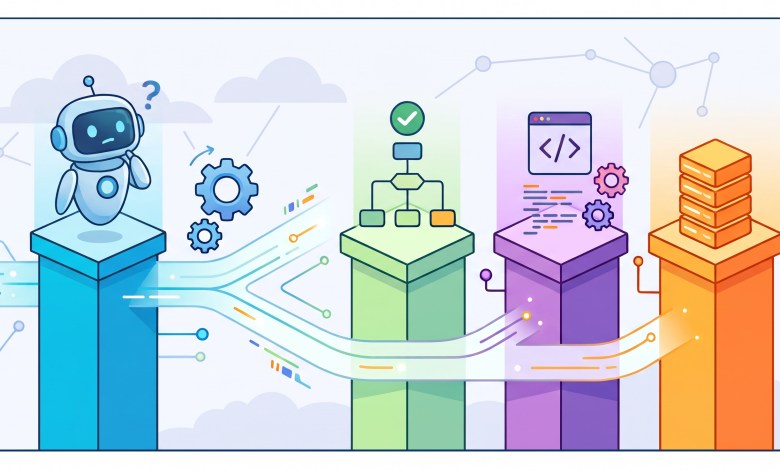
Architects have too many topics on their mind nowadays: Flow, Apex, APIs and AI agents (Agentforce). How should they decide what part of the logic goes where? That is the problem. Flow can handle processes that would have required Apex years ago. Developers can combine declarative and programmatic automation instead of treating them as competing camps. APIs connect Salesforce to…
Read More » -
Admin

Accounts and Contacts in Salesforce: The Foundation Every Admin Needs to Get Right
Picture a rep heading into a customer meeting. Before they walk in, they need answers. Who works at this company? What have we sold them? Who else on our team knows them? In Salesforce, accounts and contacts hold those answers. These two objects sit at the center of almost every org. Opportunities, cases, and activities all connect back to them.…
Read More » -
Flow

Using Record Type Developer Name in Flow Start Criteria
Referencing the Record Type Developer Name in your flow Start Element criteria is a technique every admin need to add to their toolbox. It requires no new field or query, and it follows the lean flow design practices we always promote. If you build automations for objects with multiple record types, such as Accounts, Leads, Opportunities, or Cases, you have…
Read More » -
Admin

AIforce: Salesforce’s New AI Interface Layer for Slack, Claude, and Lightning
Slackforce, Claudeforce, and Agentforce Coworker aren't three separate launches. They're three expressions of the same shift. Salesforce's context, permissions, and business logic no longer stop at the edge of its own UI. Slackforce puts that context into shared, live team surfaces. Claudeforce puts it into a reasoning layer built for individual sellers. Agentforce Coworker keeps it running natively where millions…
Read More » -
Admin

Dreamforce 2026: One Message You Missed Is The Real Game Changer
Marc Benioff opened Dreamforce 2026 on September 15 with a packed keynote hall: 10,000 people in the room and 10 million more watching on Salesforce+. Salesforce counted 53,000 total attendees at Moscone Center this year, spread across more than 1,600 sessions. Here's what admins and practitioners need to know from the opening keynote.
Read More »